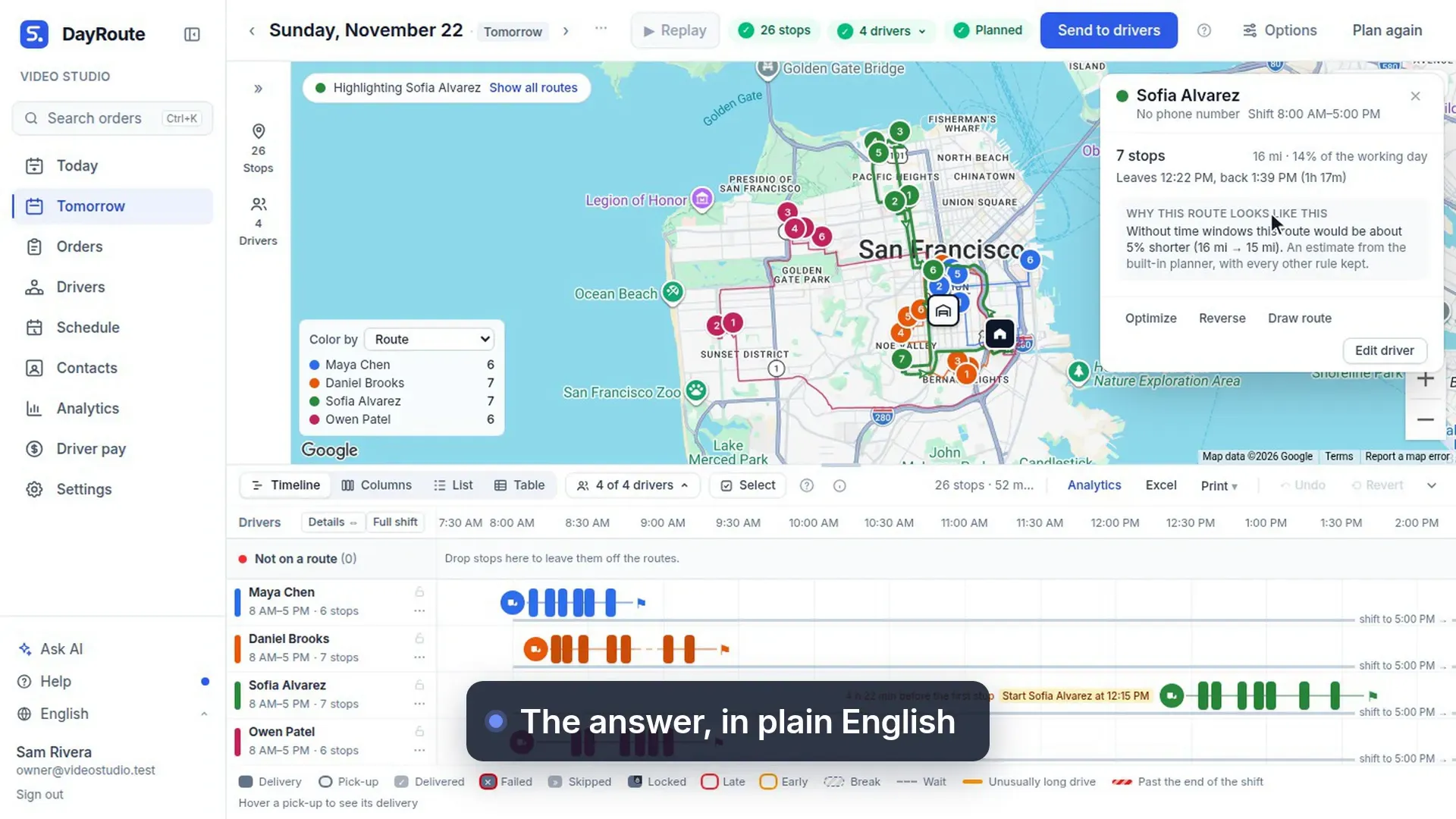
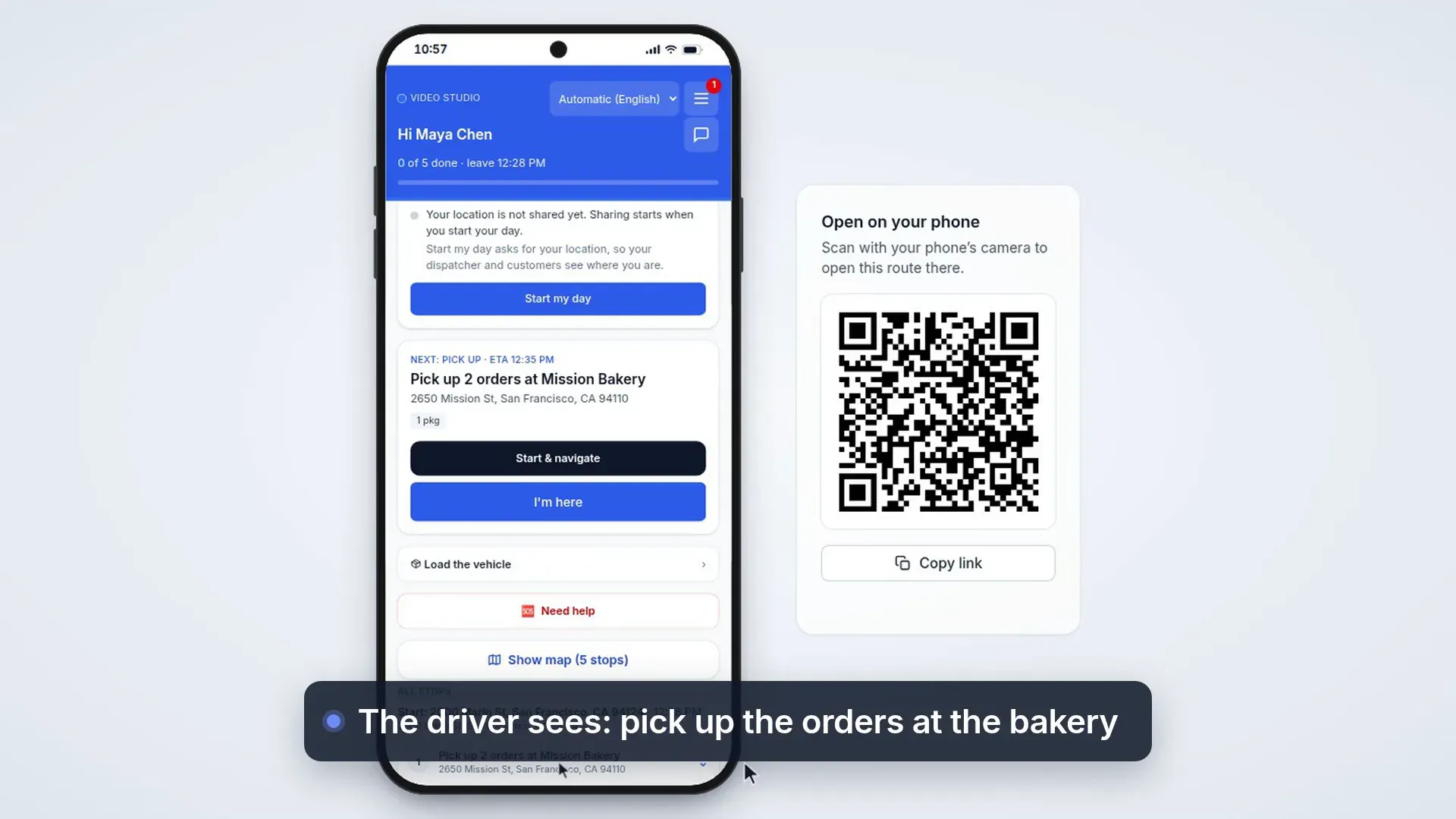
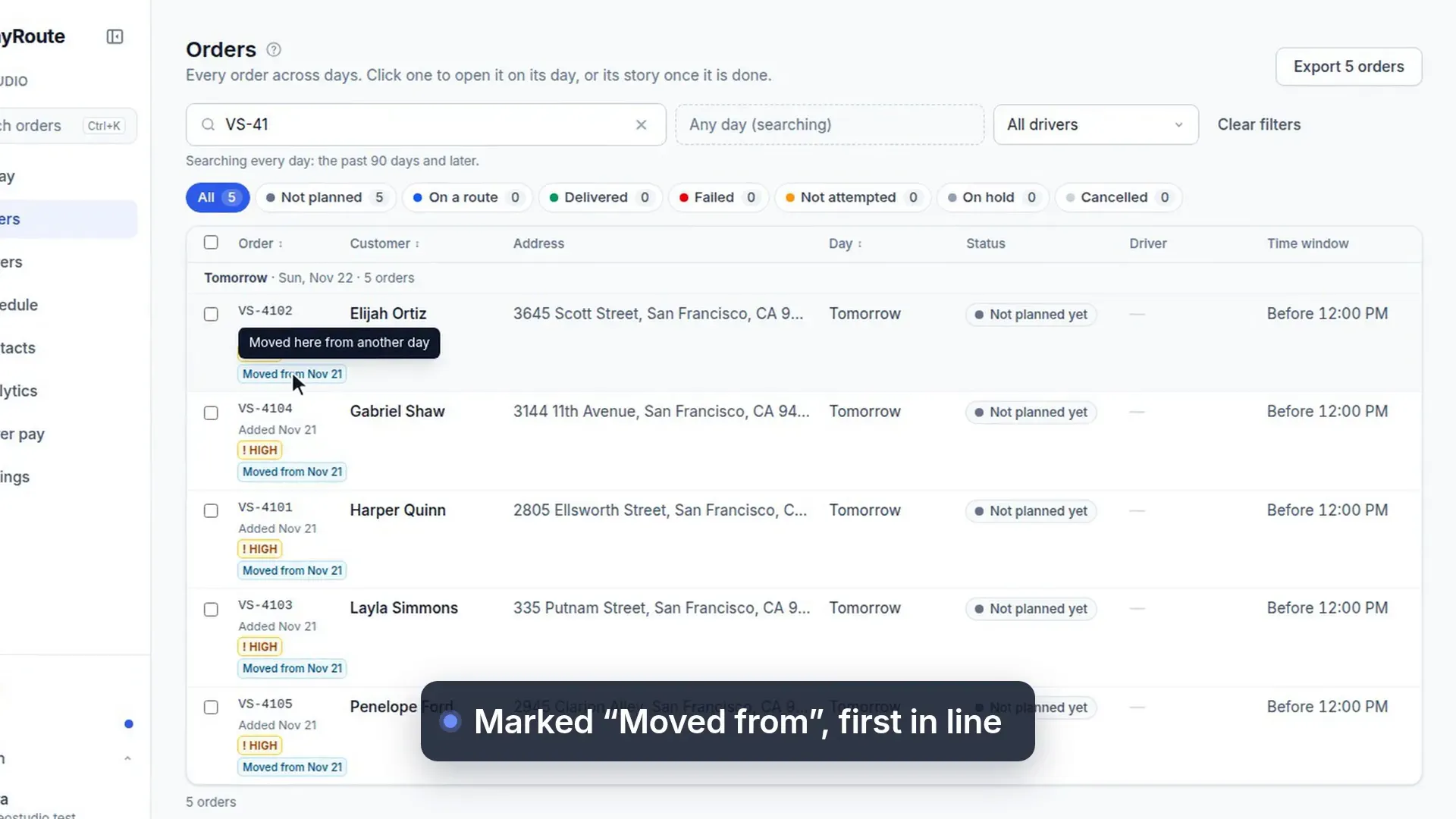
Did the driver stop at the address?
47 s, no sound
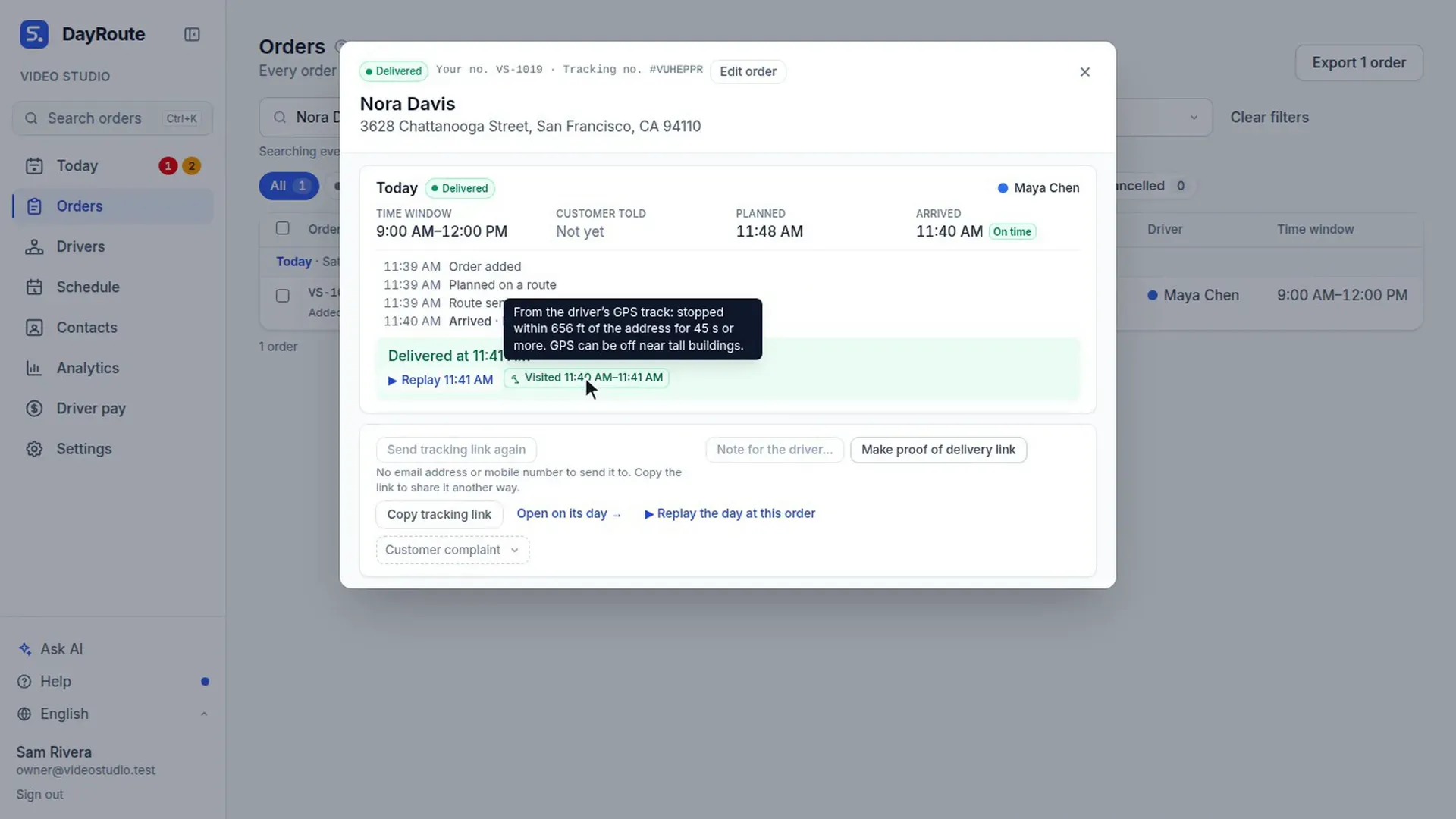
Each driver report is checked against the driver's GPS, and a report far from the address shows in Needs attention.
What this video shows
- Did the driver really stop there?
- Delivering away from the address?
- The app shows how far the phone is, and asks why. One tap: handed to the guard at reception.
- When a route is over, each report is checked against the driver's GPS: here, the van stopped at the address.
- A report far from the address shows in Needs attention, with the distance and the driver's reason.