Videos
Short videos of DayRoute at work
Short silent videos recorded in the product, at our demo company. Each one has its own page with what it shows, step by step.
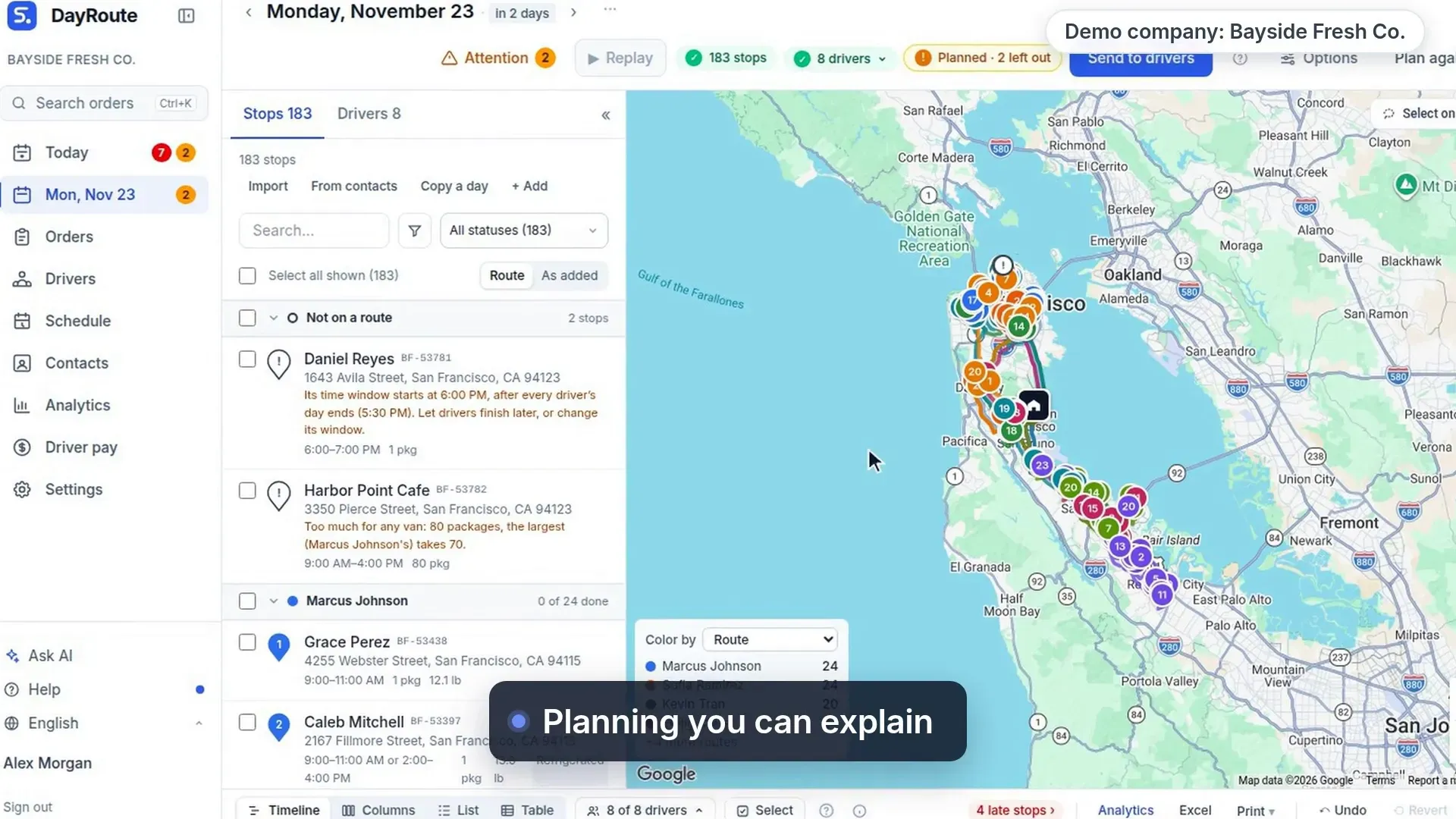
A delivery day in 90 seconds: planning you can explain
90 s, no sound
One day at our demo company: one click plans every route, each left-out stop says why, then drivers deliver with proof and customers track it live.
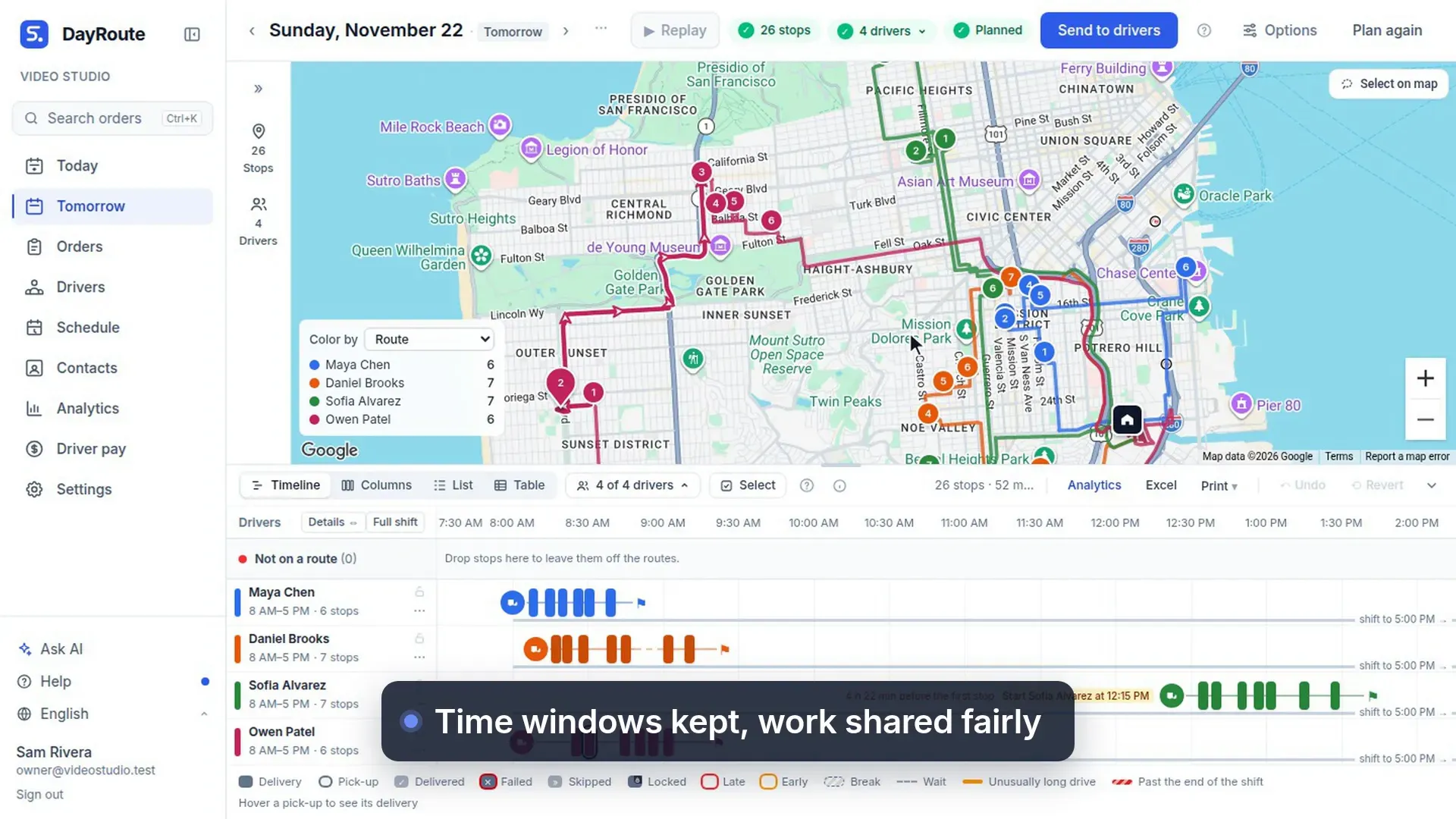
Plan routes and send to drivers
44 s, no sound
One click plans every route for tomorrow at once, keeping time windows, then each driver gets a private link.
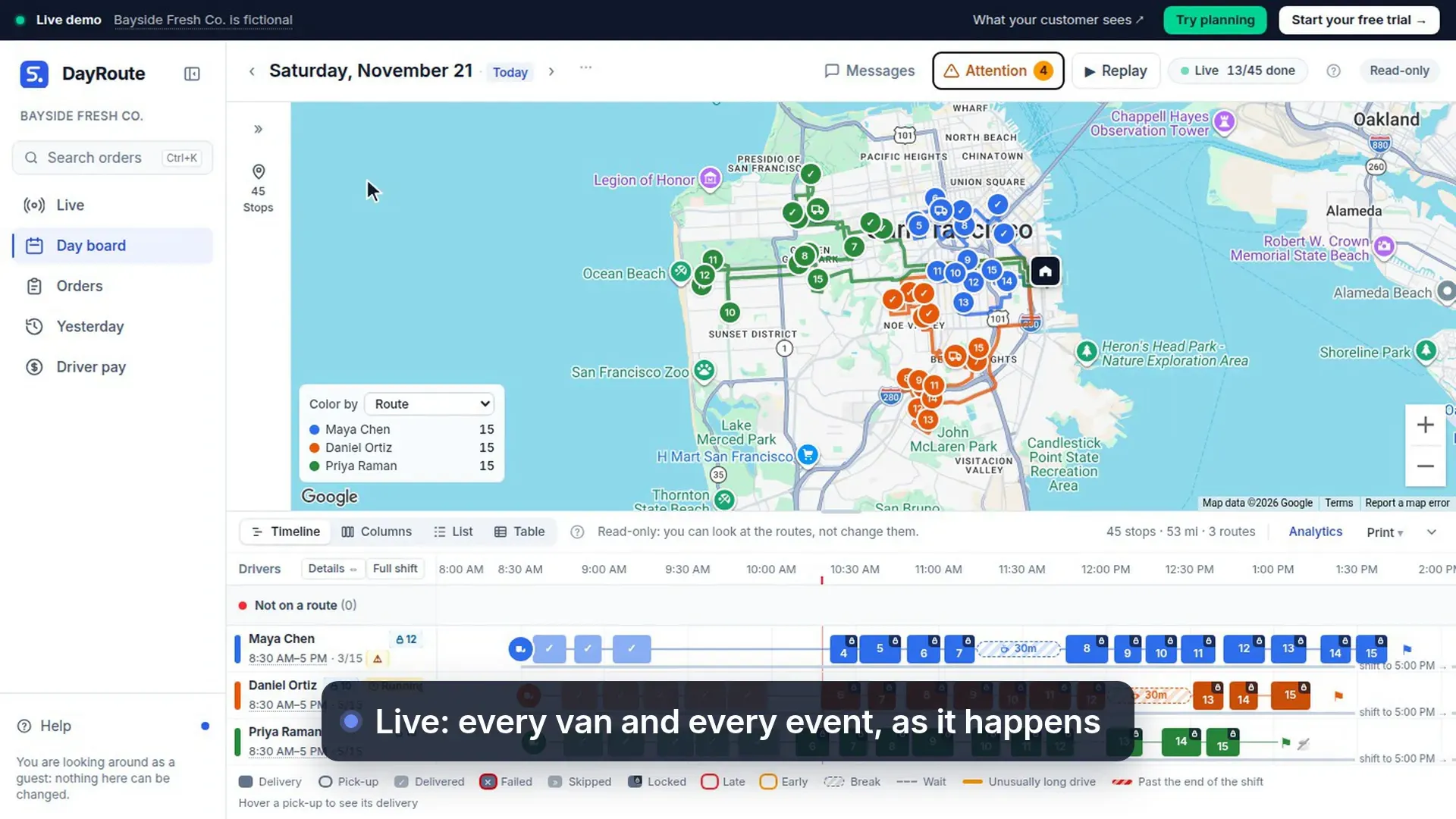
Needs attention and Live
48 s, no sound
Run the day from Needs attention, which lists only what needs you, while Live shows every van and event.
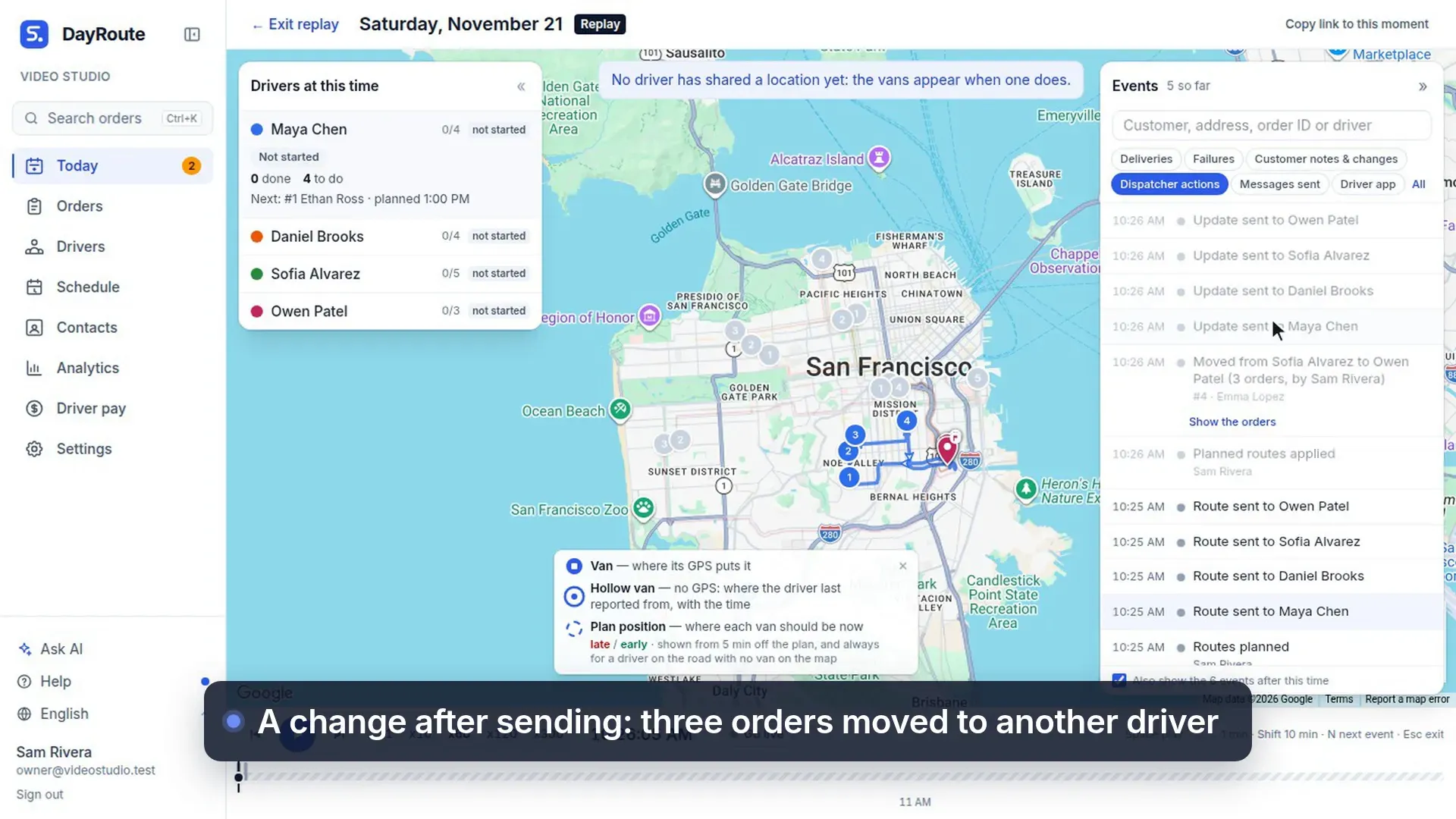
Replay and Live of the day
49 s, no sound
Replay shows the whole day as it happened: every send, every change after sending, and who made it.
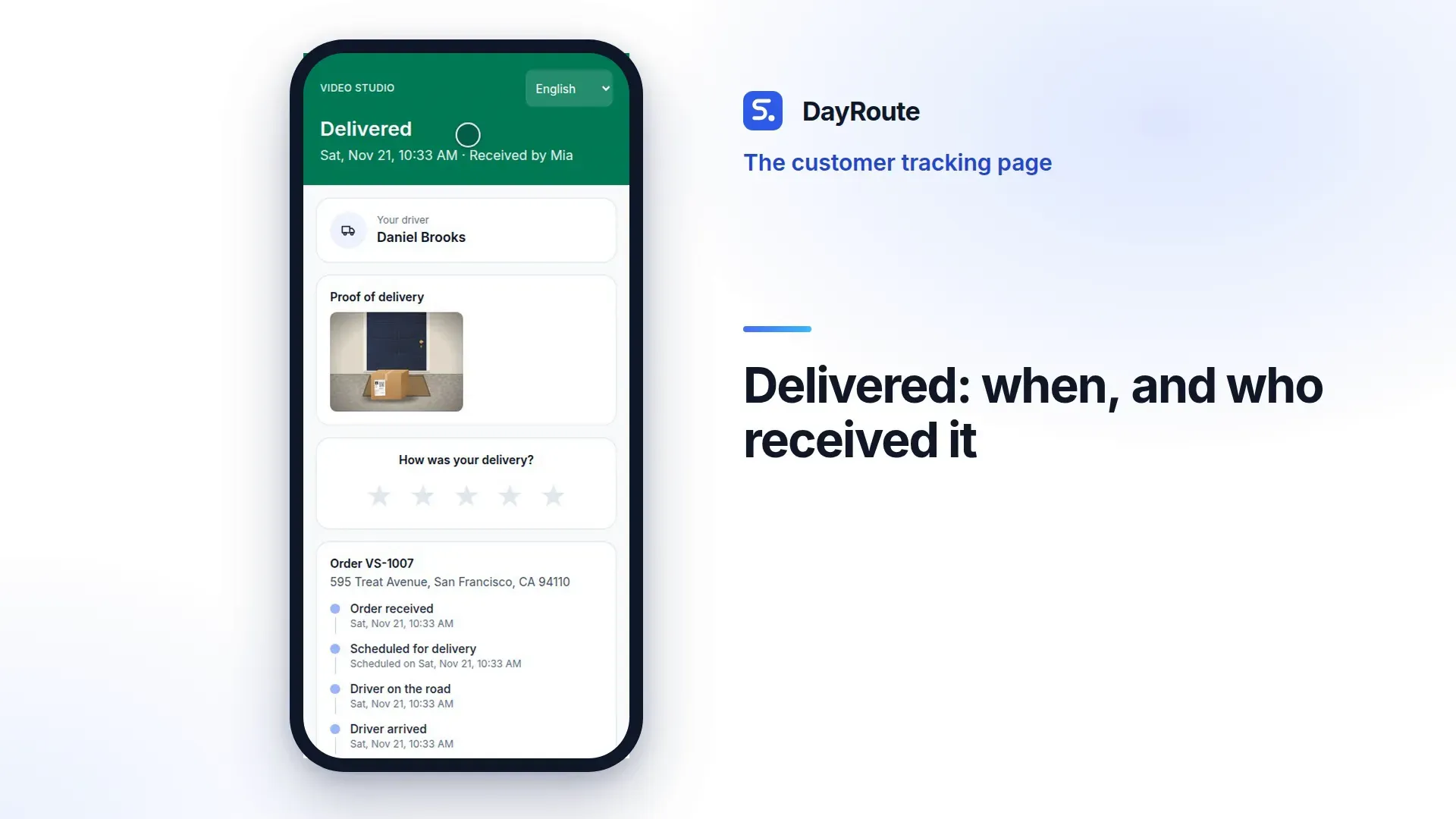
The customer tracking page
36 s, no sound
What a customer sees: the driver on the way, the arrival time, every step, who received it and a rating.
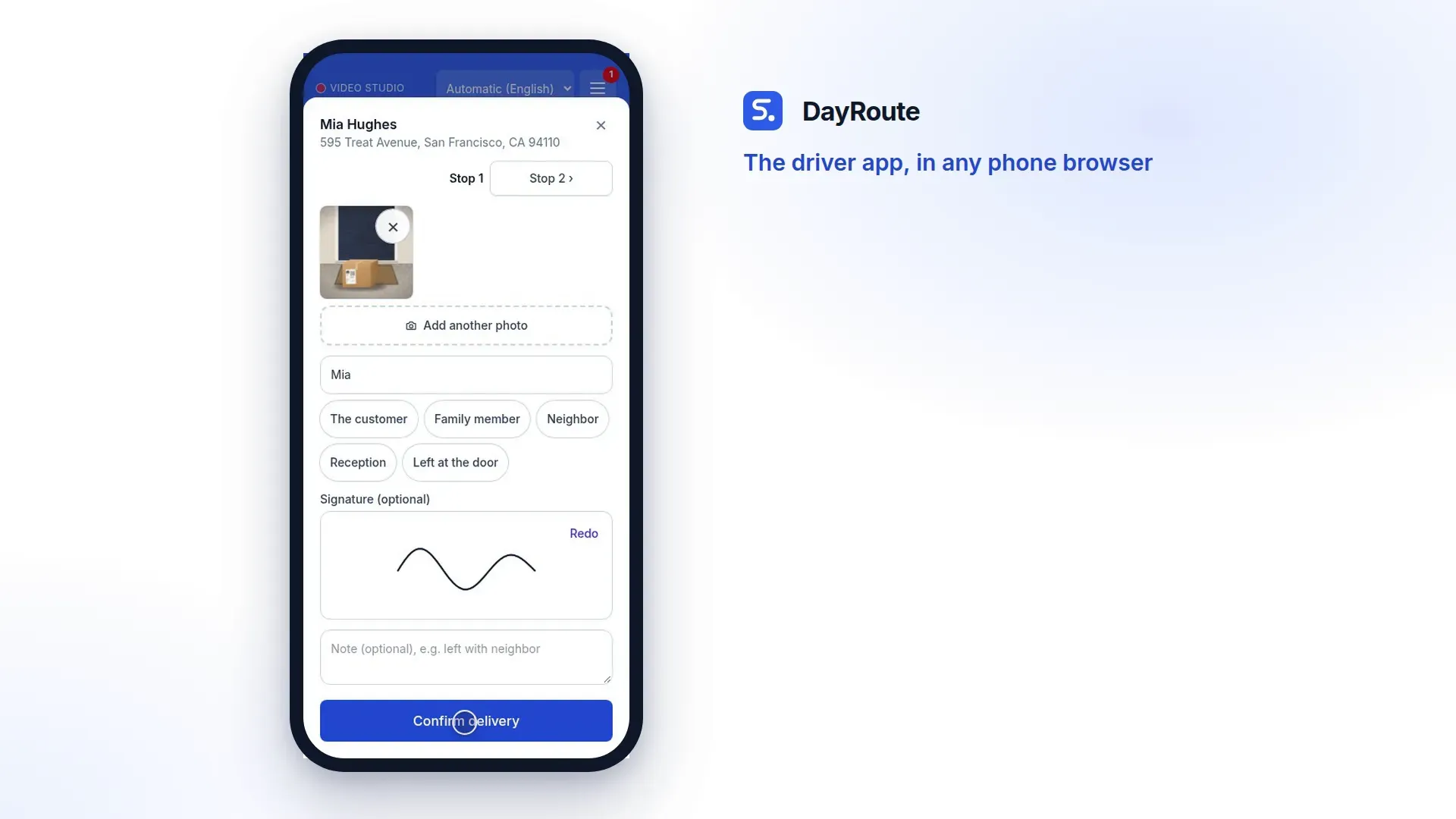
The driver app, in any phone browser
50 s, no sound
The driver opens the route from a link, captures proof at the door, or reports why a delivery failed.
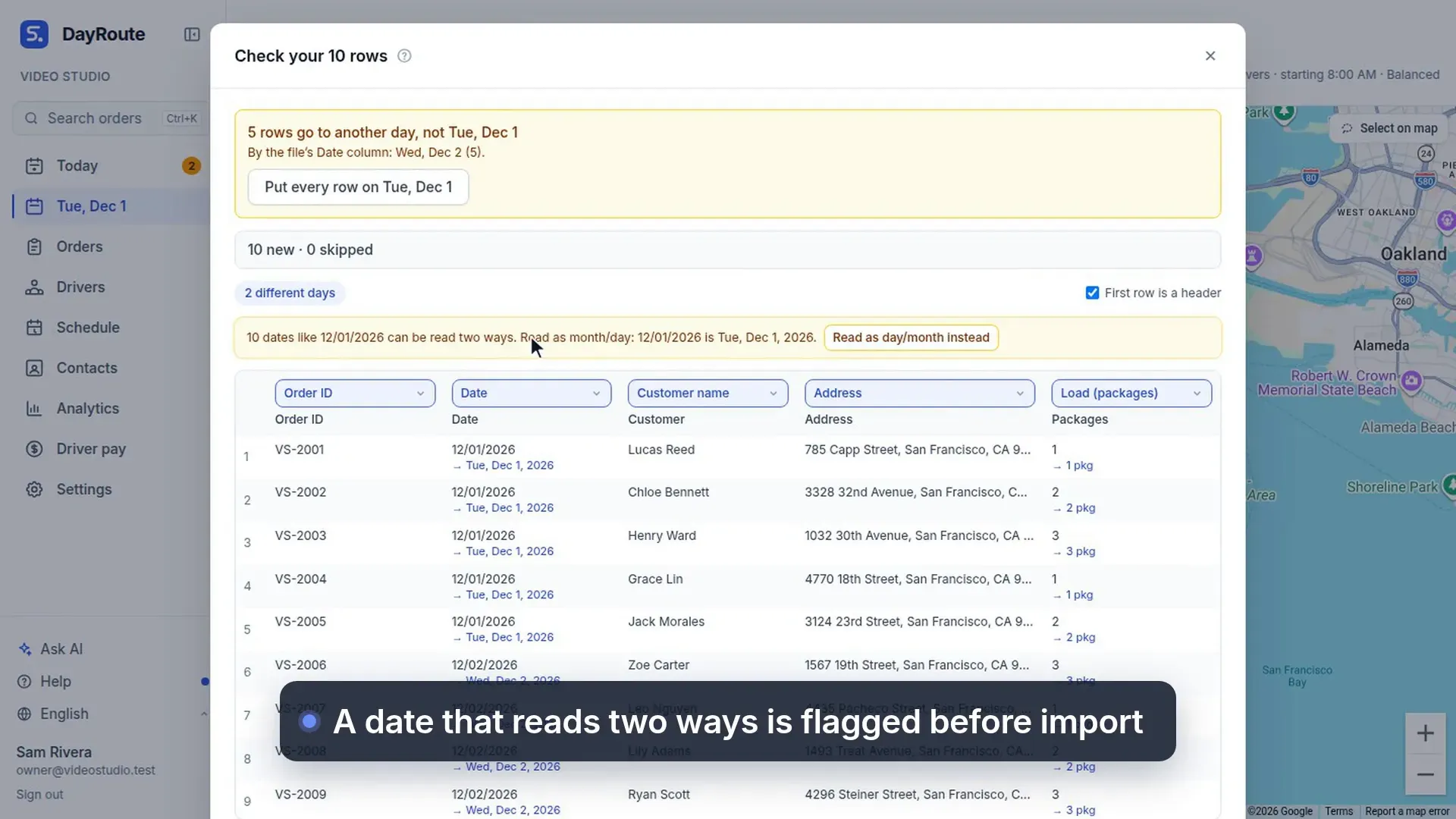
Import orders from Excel
35 s, no sound
Paste orders from a spreadsheet as they are: columns are recognized and dates that read two ways are flagged.
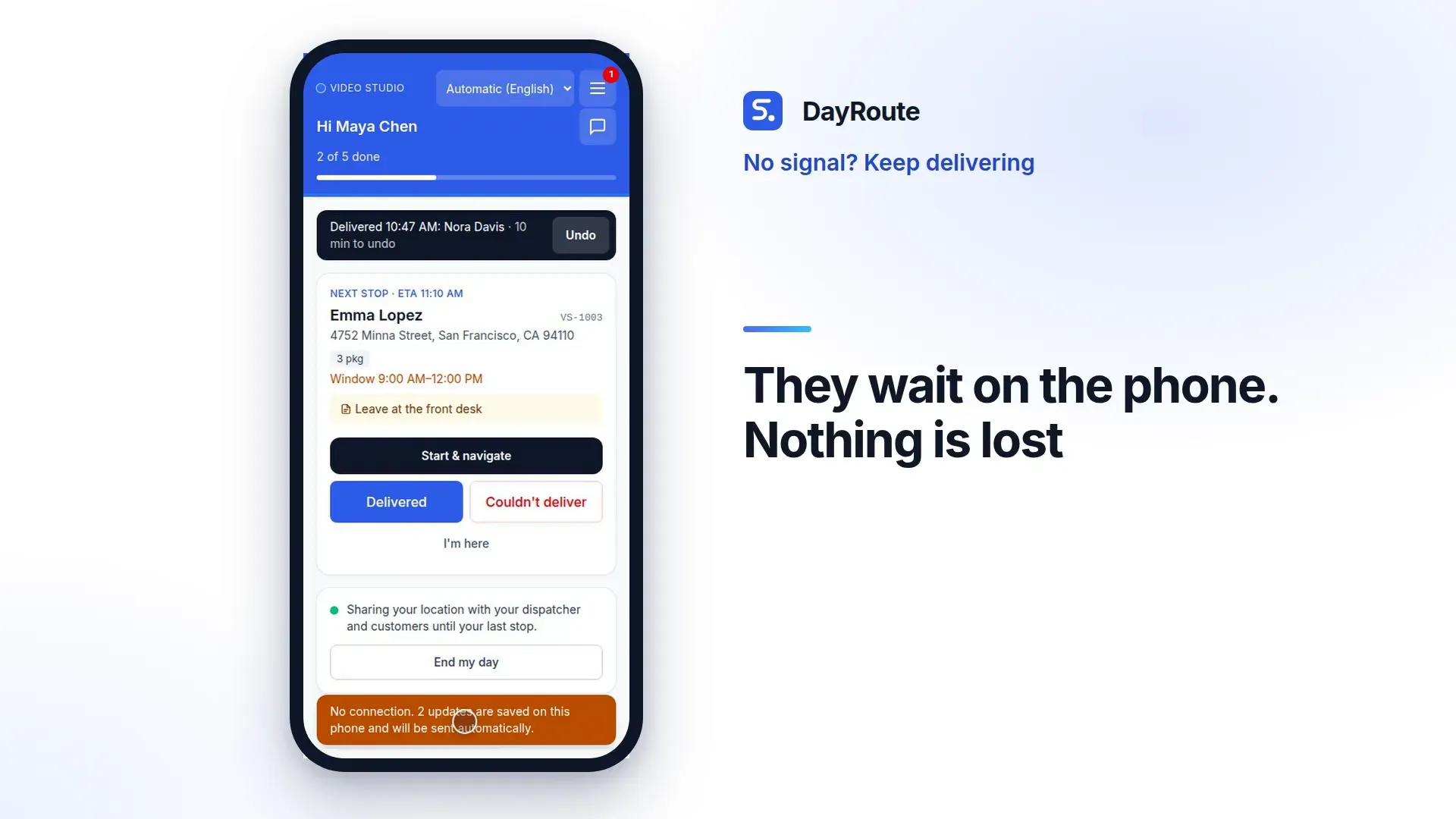
No signal? Keep delivering
44 s, no sound
With no signal the driver keeps confirming deliveries; they are saved on the phone and sent when the signal returns.
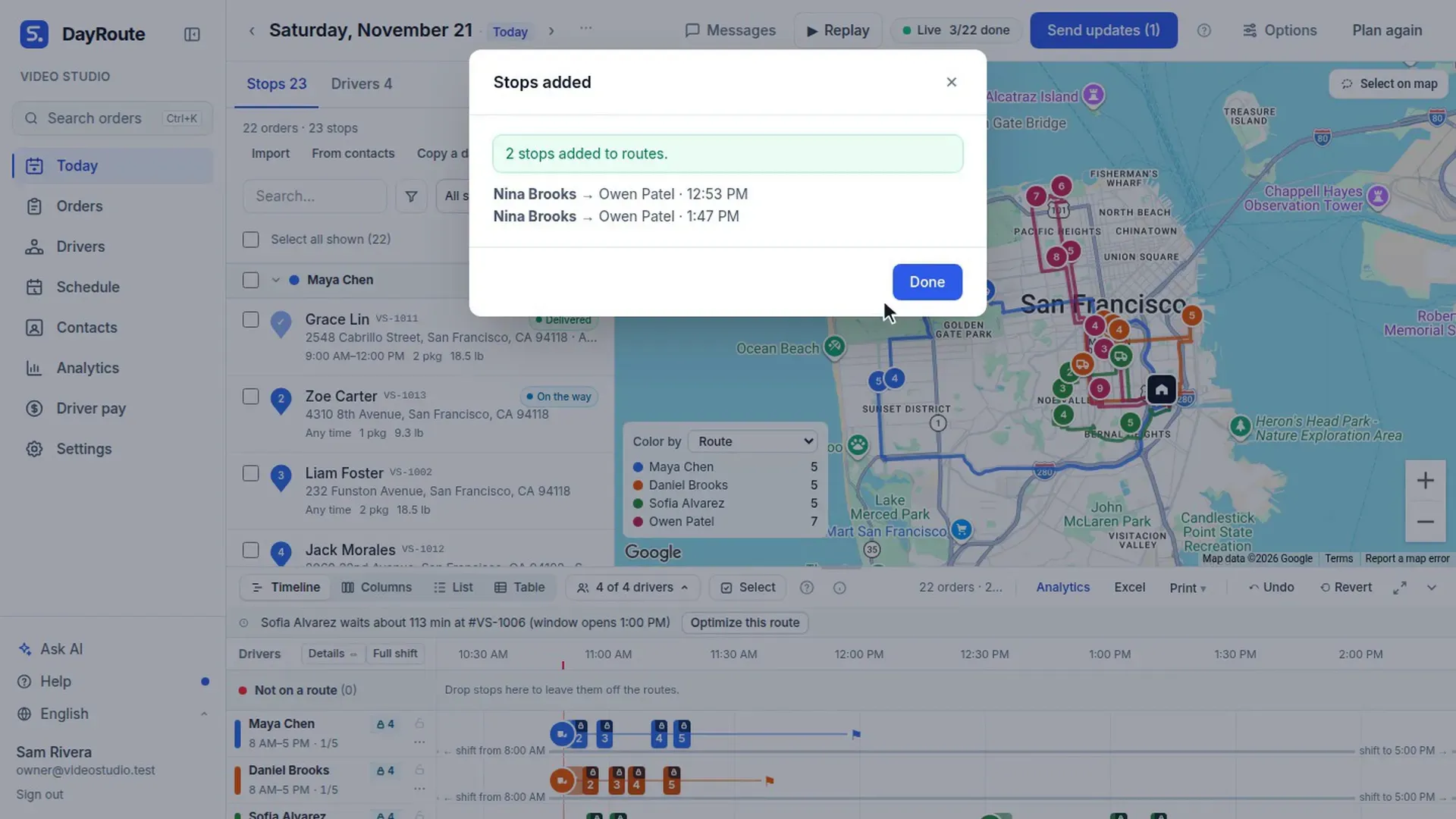
New orders in the middle of the day
63 s, no sound
New orders after the routes are sent: picked up at the depot first and fitted in with the fewest changes.
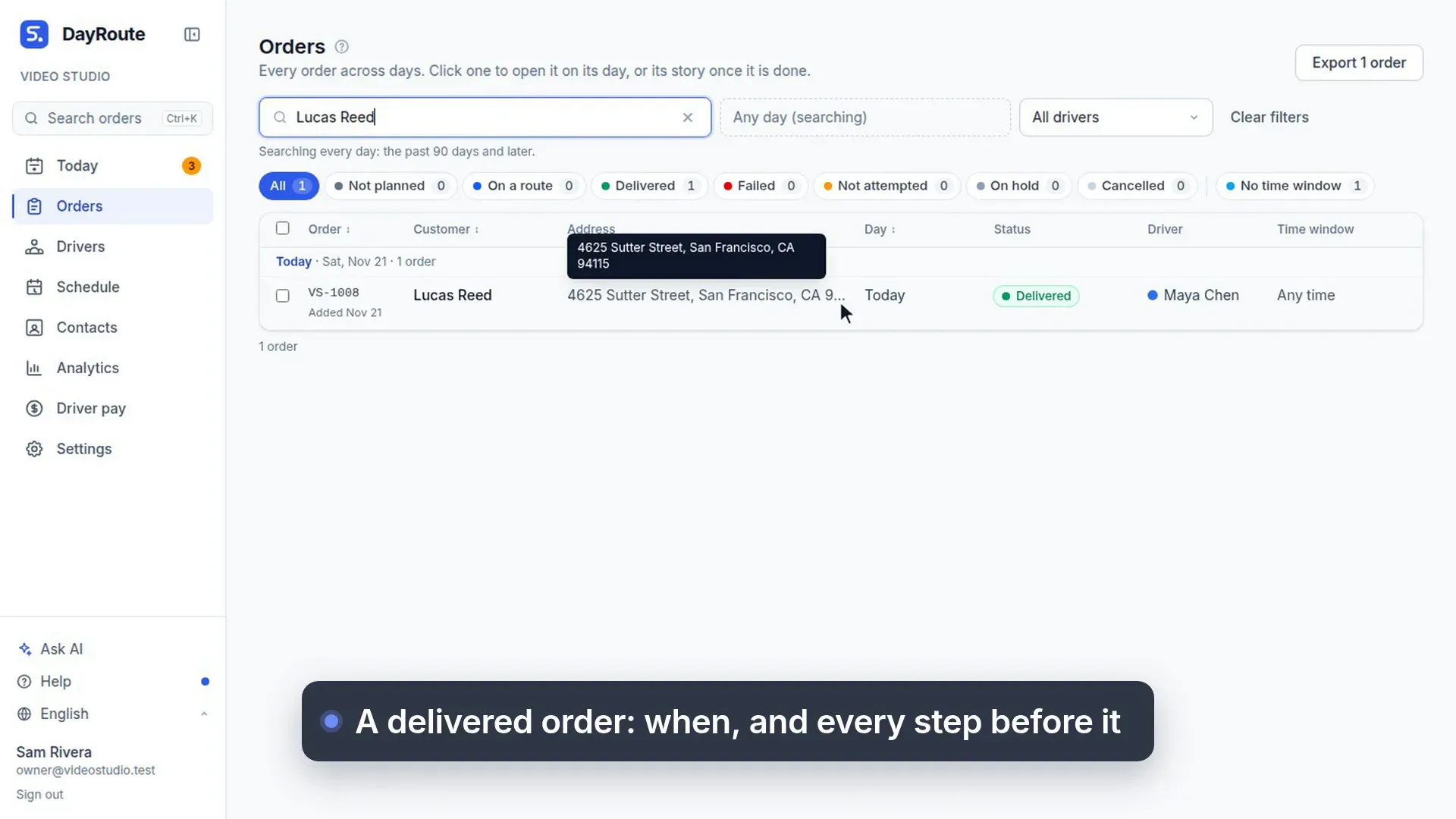
Where is my order? The order story
46 s, no sound
A customer calls: search the order, see its whole story, leave the driver a note or copy the tracking link.
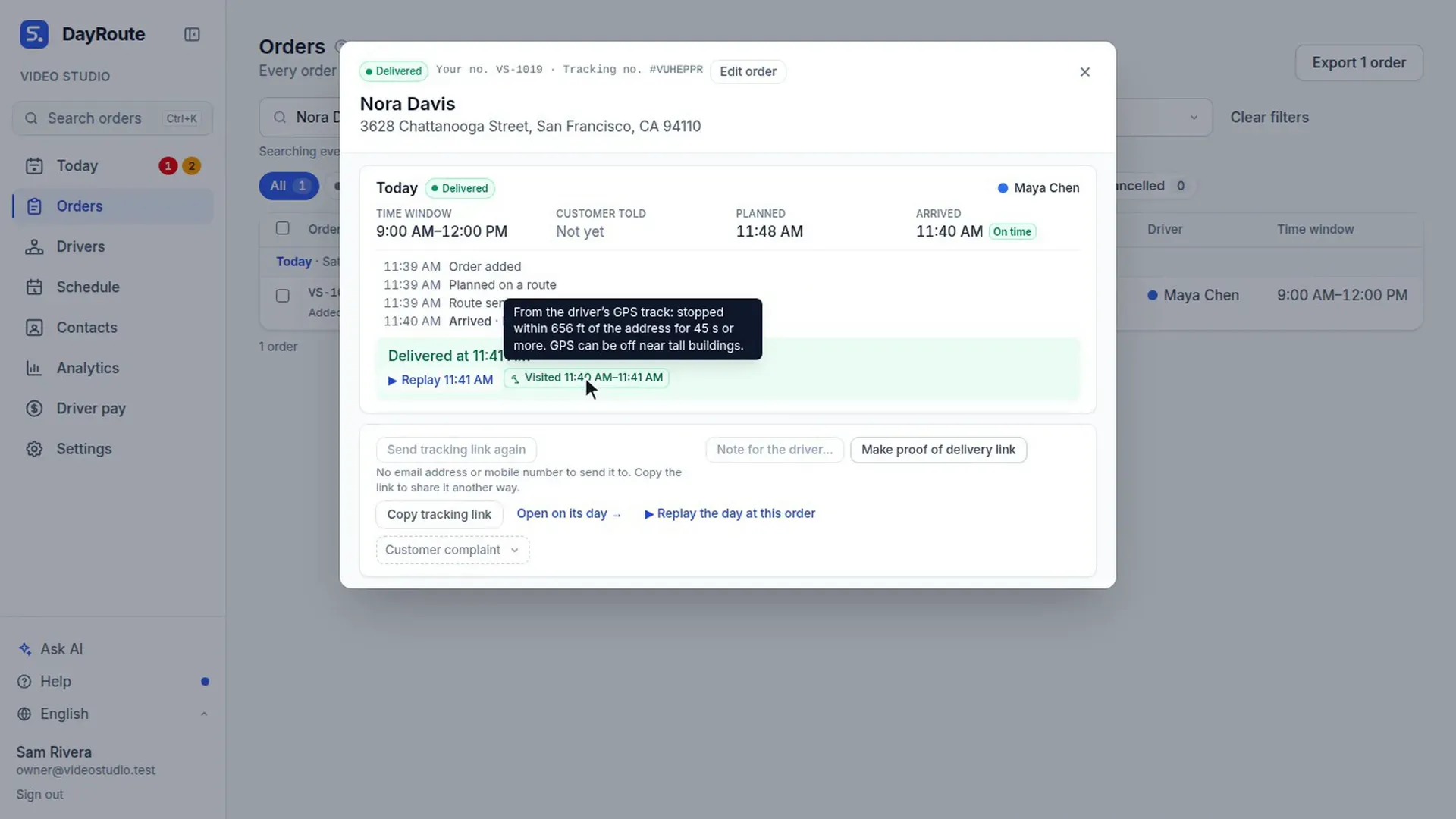
Did the driver stop at the address?
47 s, no sound
Each driver report is checked against the driver's GPS, and a report far from the address shows in Needs attention.
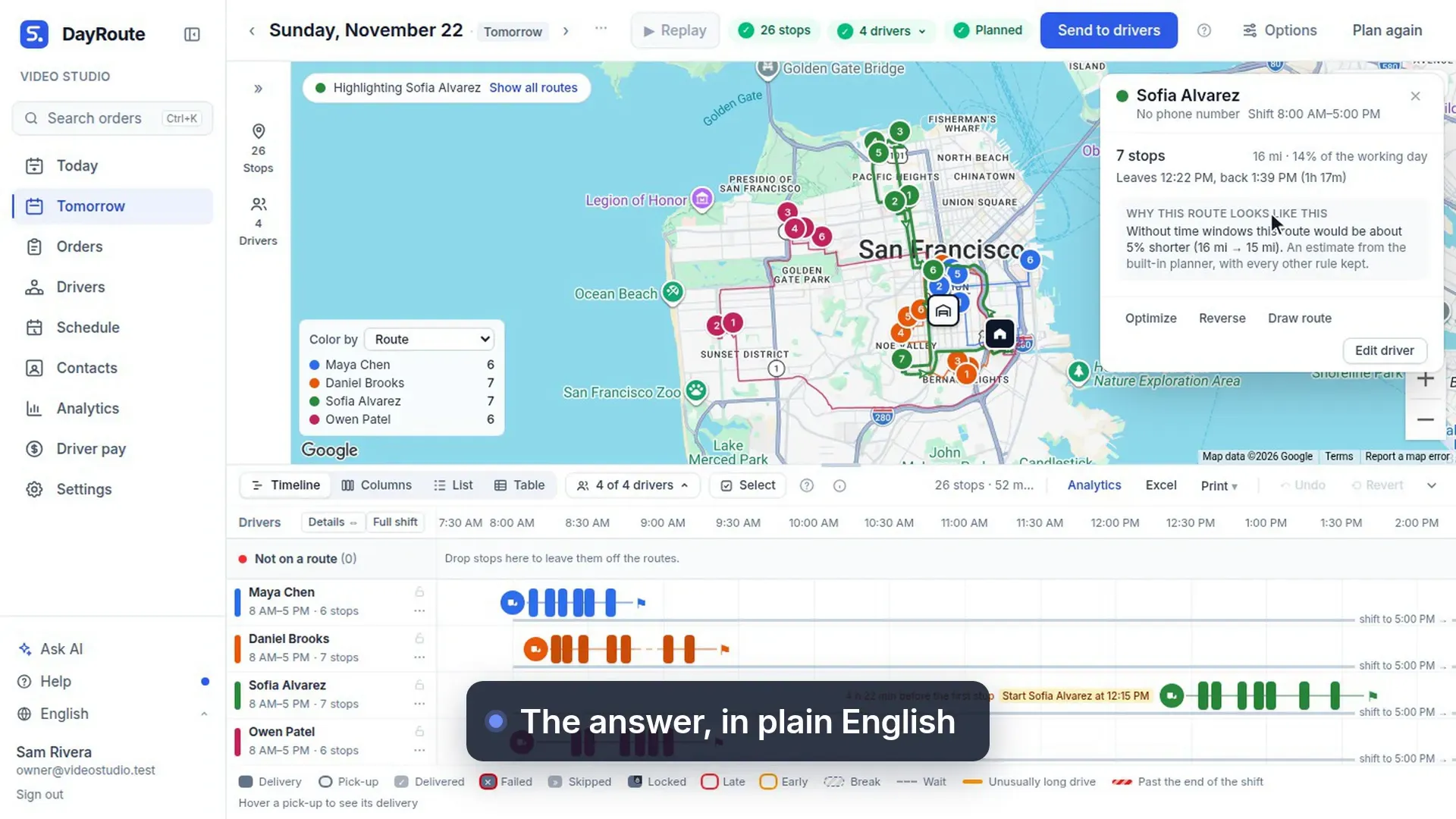
Why this route, and the map in colors
36 s, no sound
Why a route looks the way it does, in plain English, and the map colored by time window, on time or route.
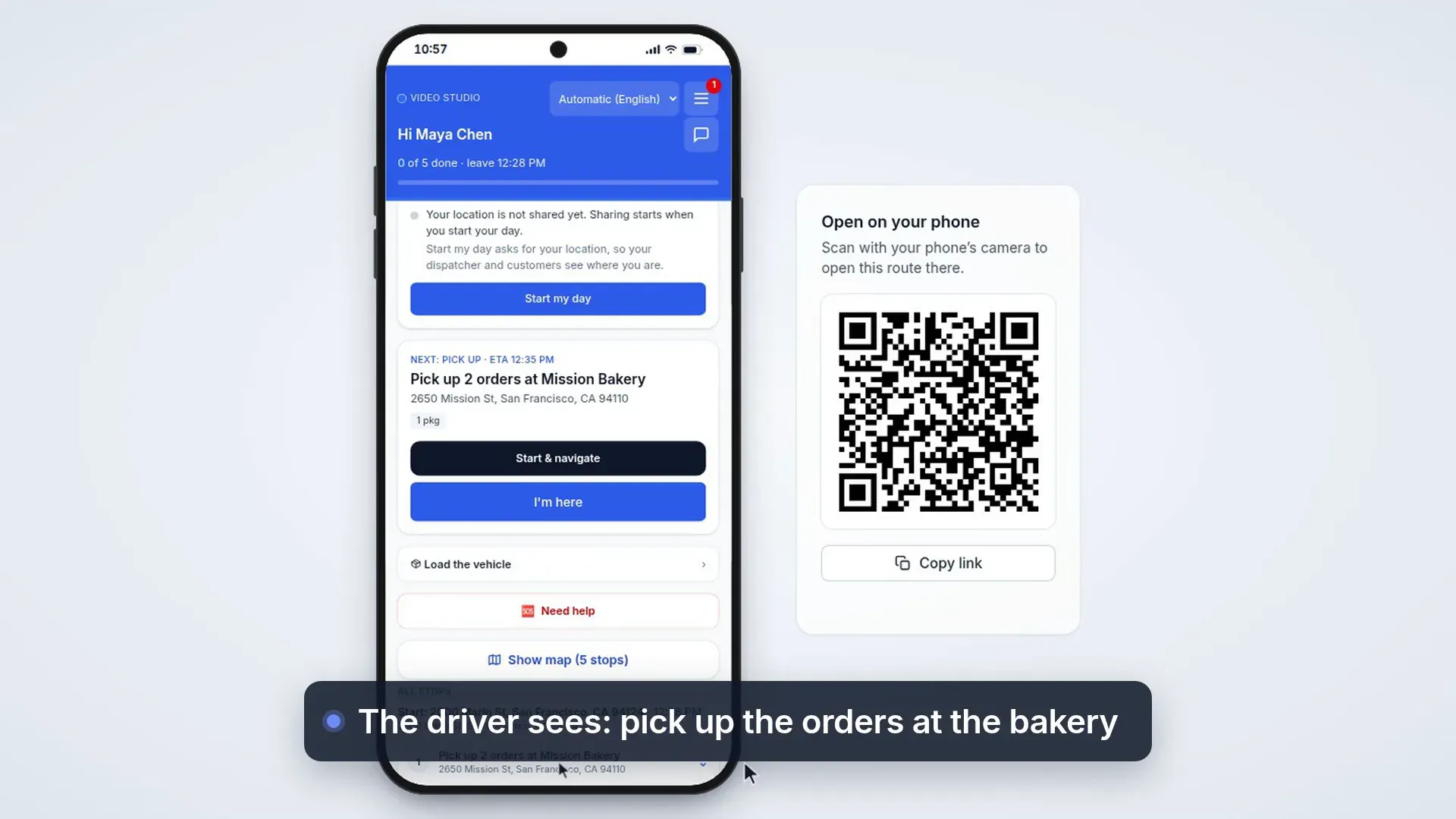
Pick up at: saved pickup places
63 s, no sound
Saved pickup places: the driver collects the parcel there first, then delivers it, on the same route.
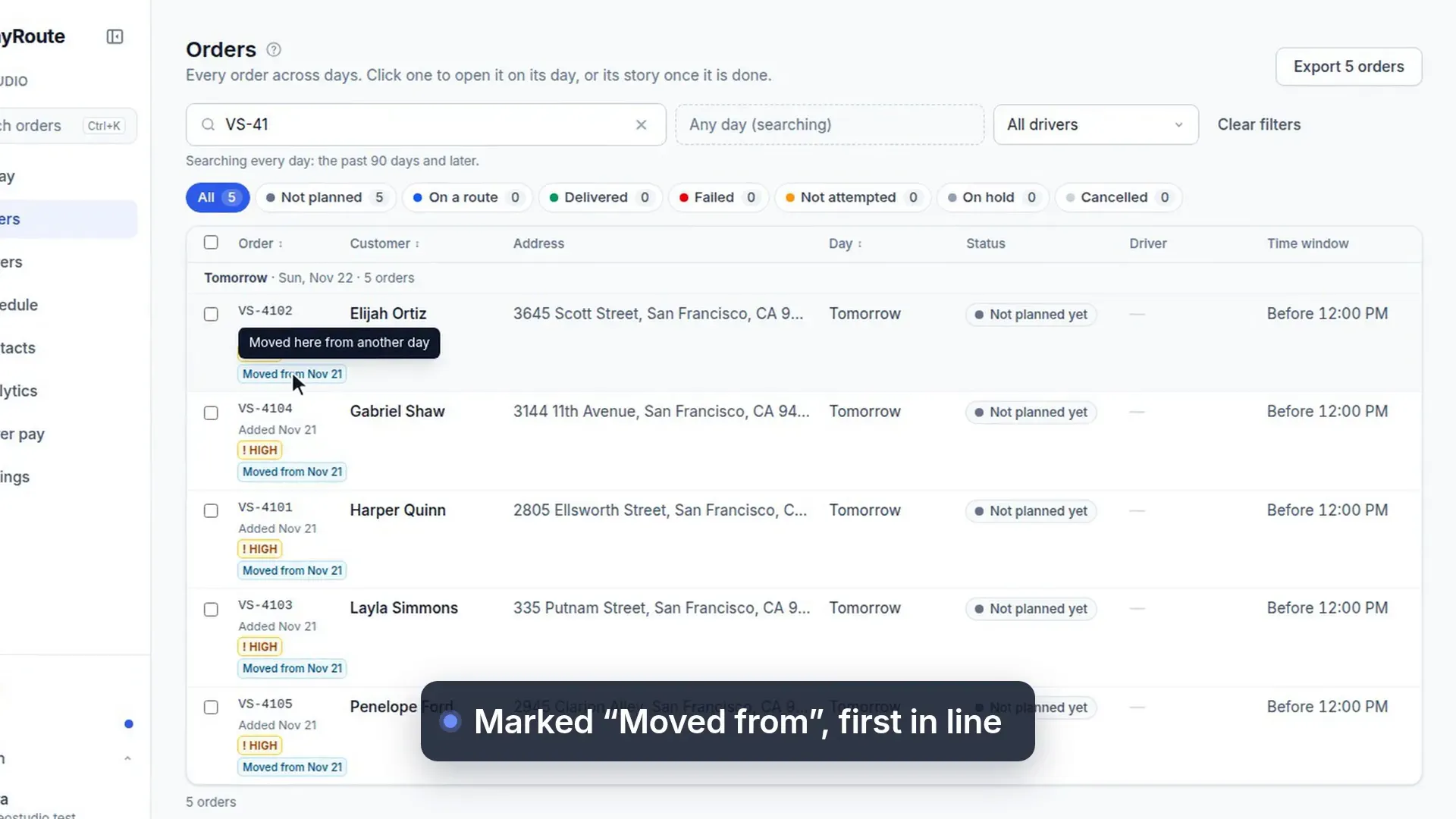
Move orders to another day
19 s, no sound
Move orders to tomorrow morning: they get High priority, say where they came from and go first.
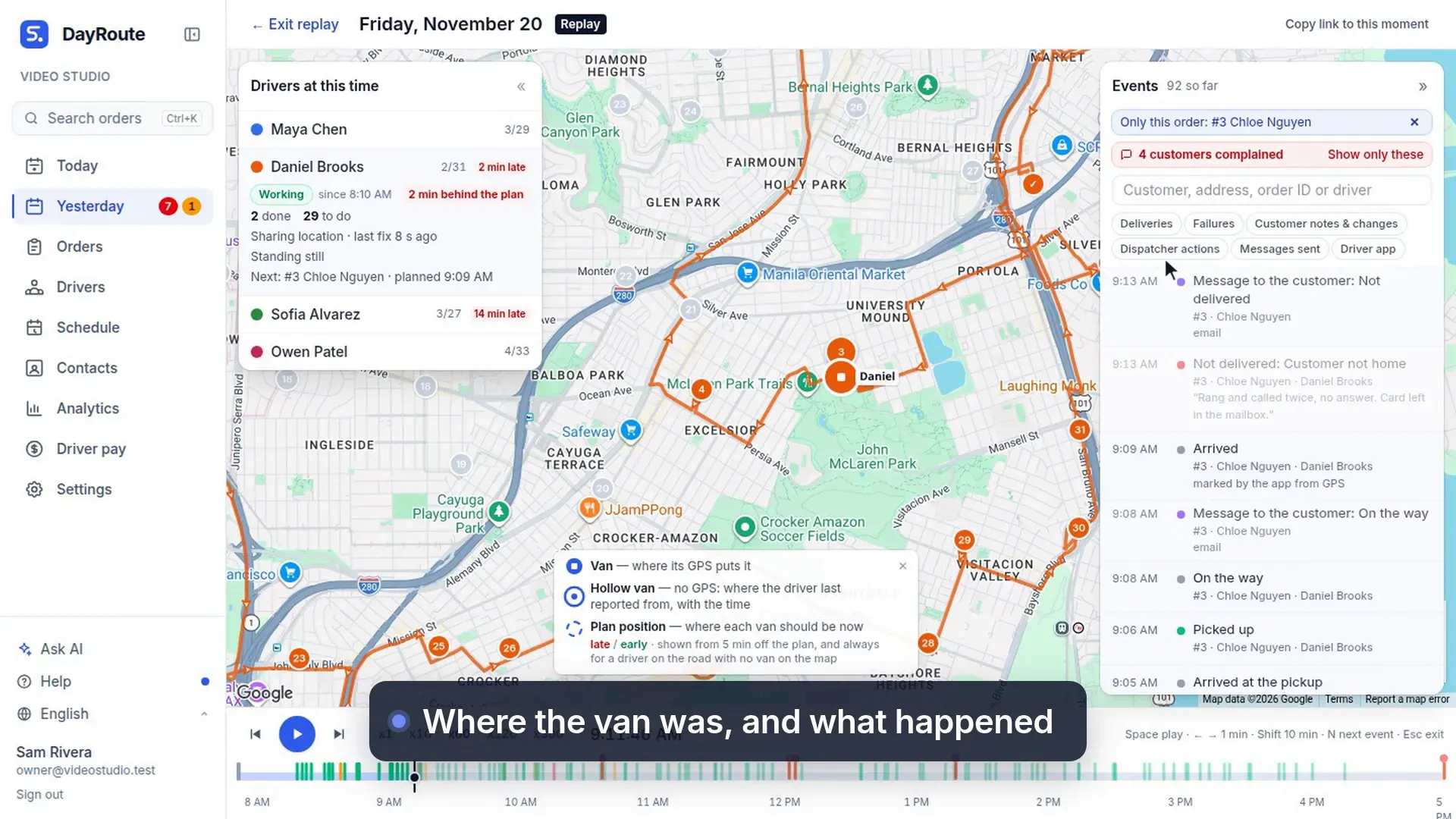
From a number to the replay
17 s, no sound
Click a number in Analytics to see the orders behind it, then replay the moment the driver reported.
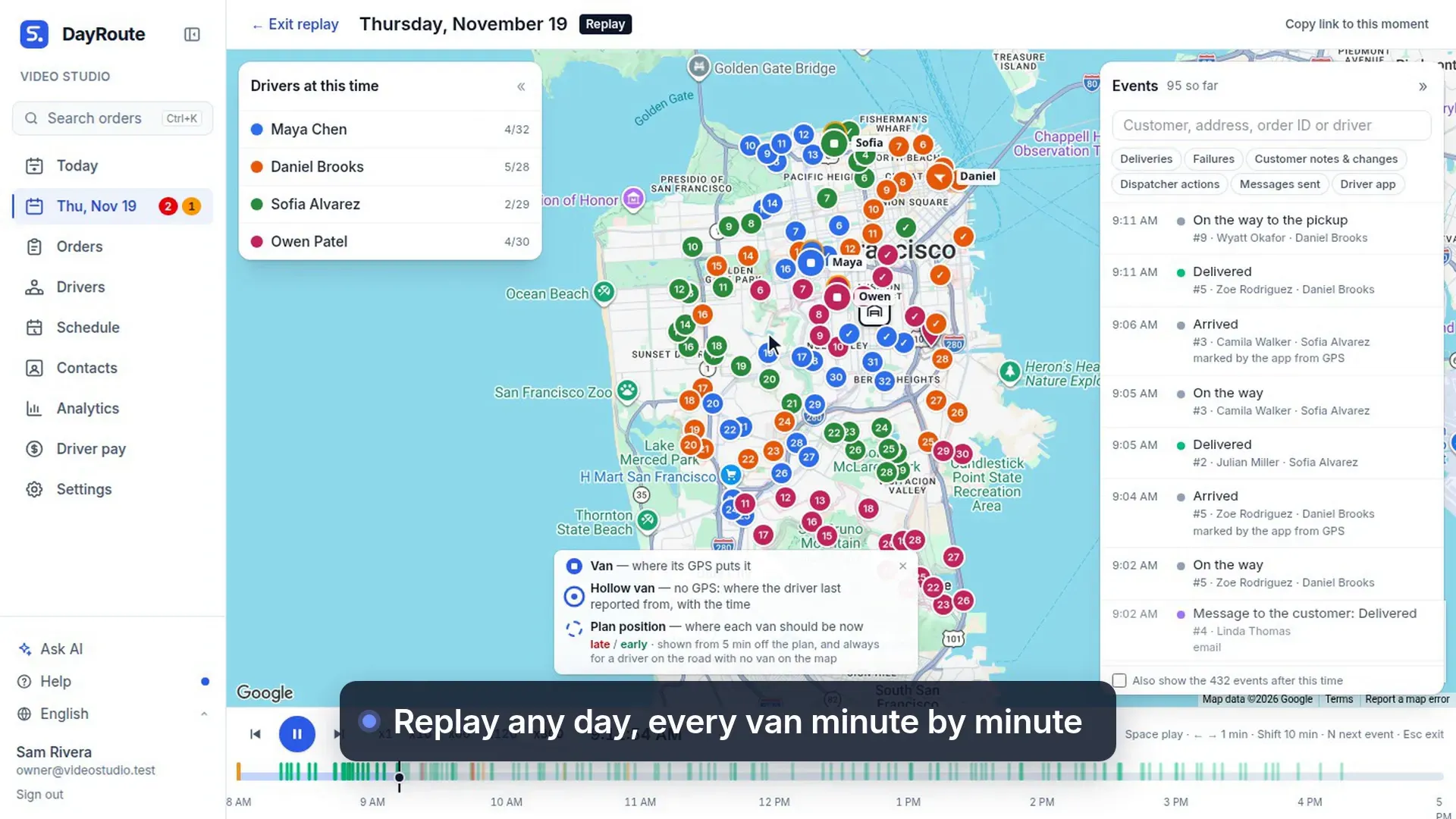
Replay the day
17 s, no sound
Press play on a past day to watch every van move, and jump to a failed delivery.
Plan tomorrow’s routes in minutes
Start your free 1-month trial. No credit card, no setup call, no installation.
Want a walkthrough with us? Book a demo