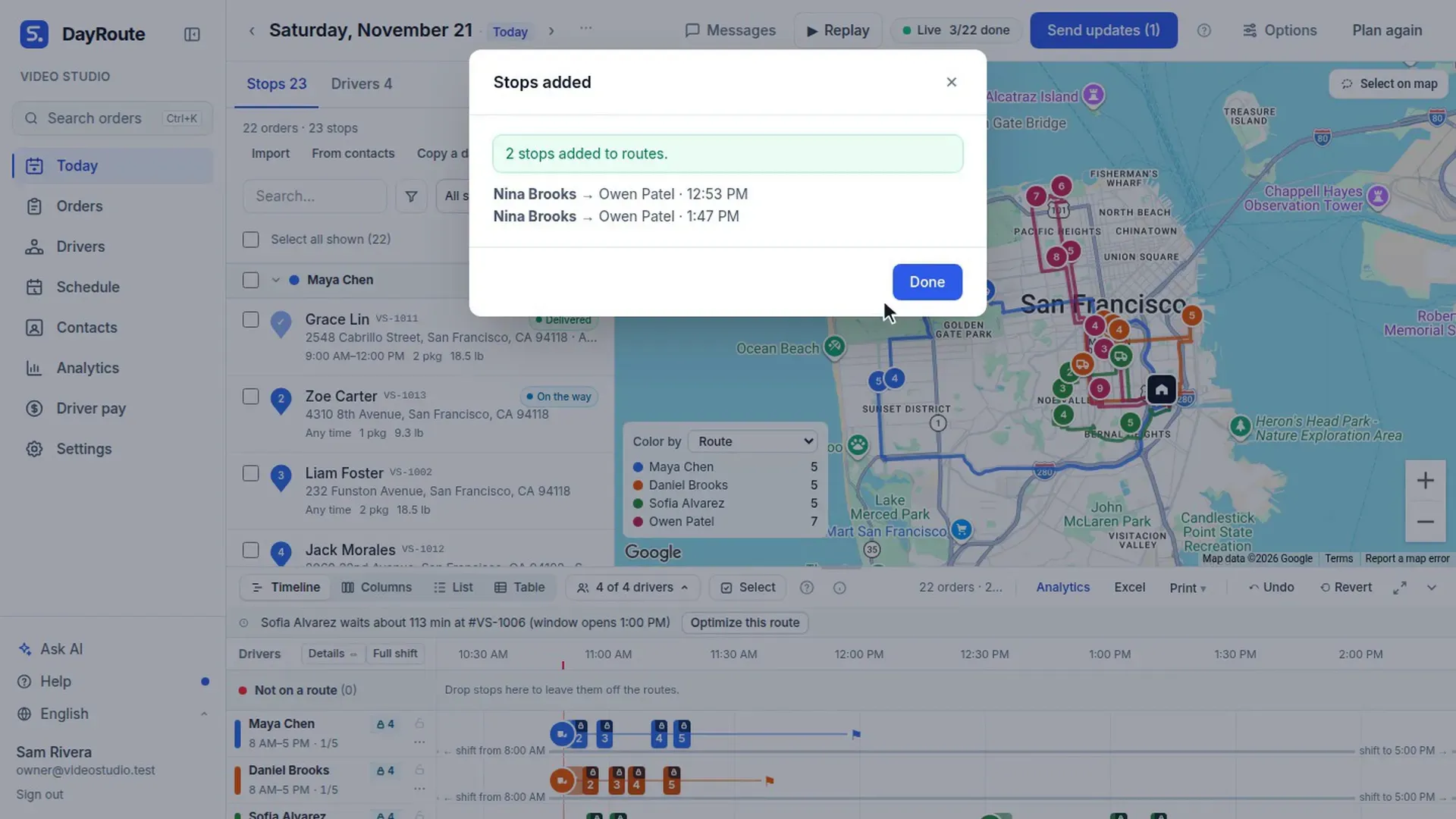
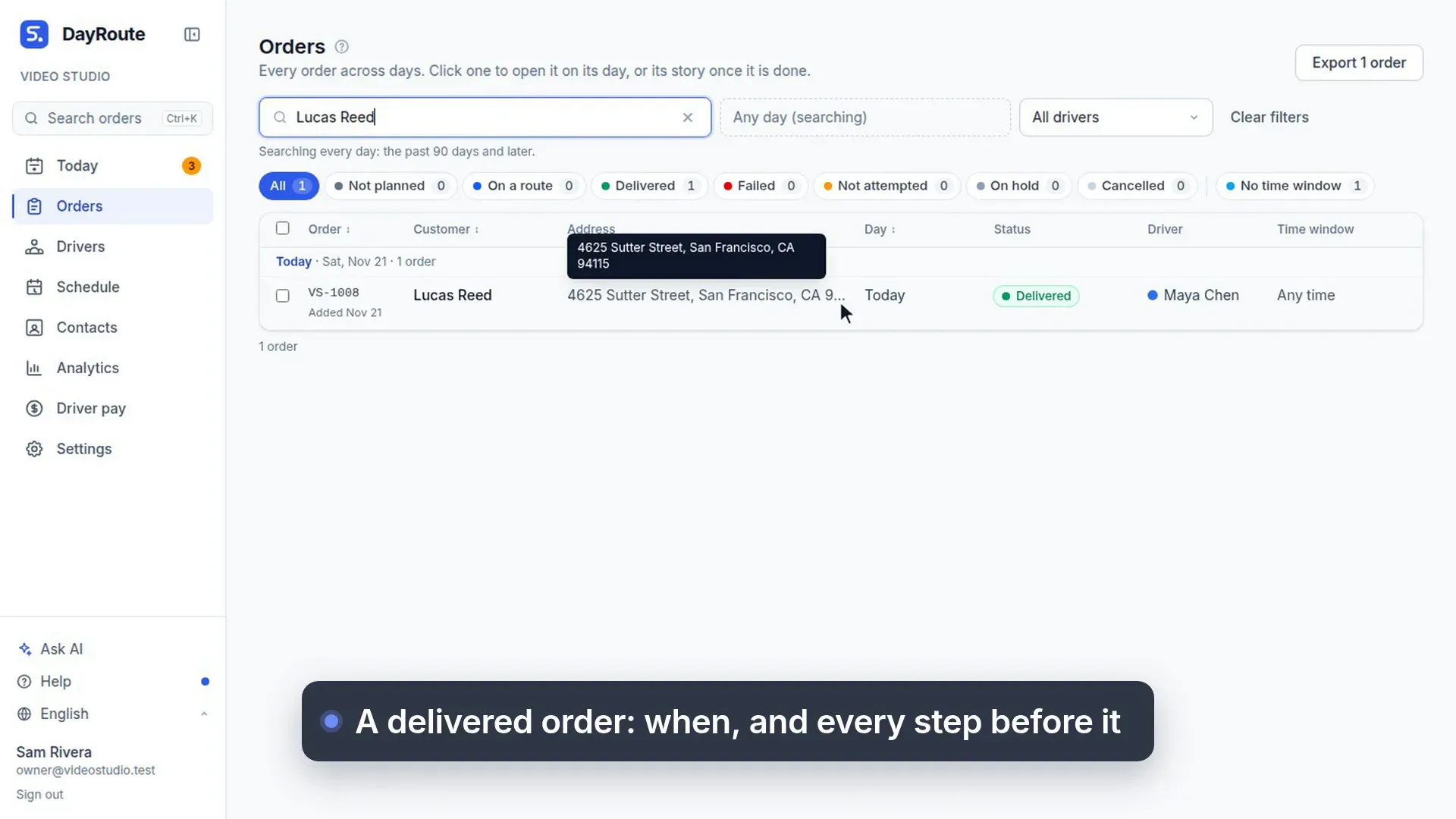
Import orders from Excel
35 s, no sound
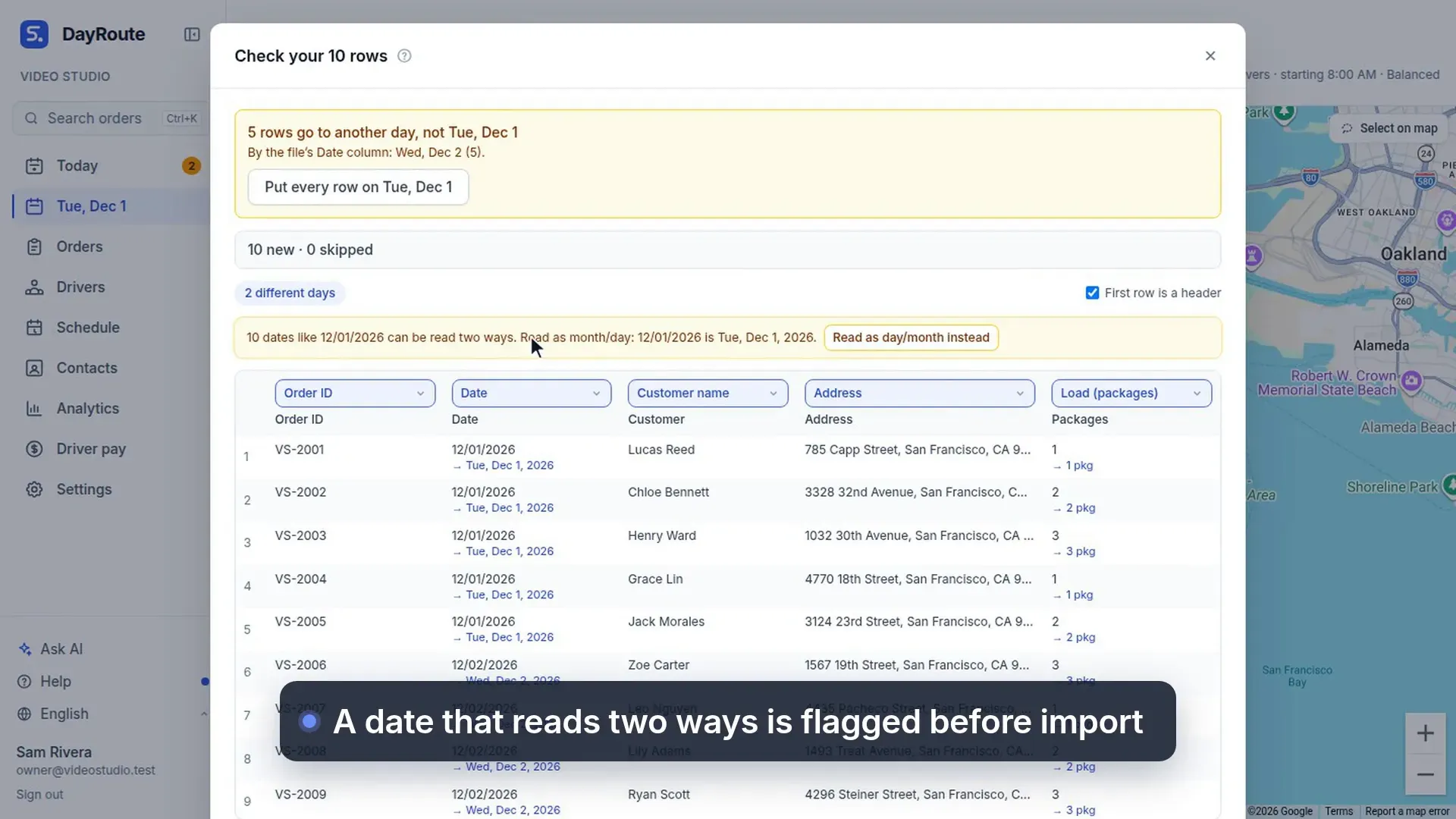
Paste orders from a spreadsheet as they are: columns are recognized and dates that read two ways are flagged.
What this video shows
- Bring in orders from a spreadsheet.
- Orders in a spreadsheet?
- Copy the rows, and paste them in, just as they are.
- Columns are recognized for you.
- Dates that read two ways are flagged first.
- Then import. Each order goes to its own day.